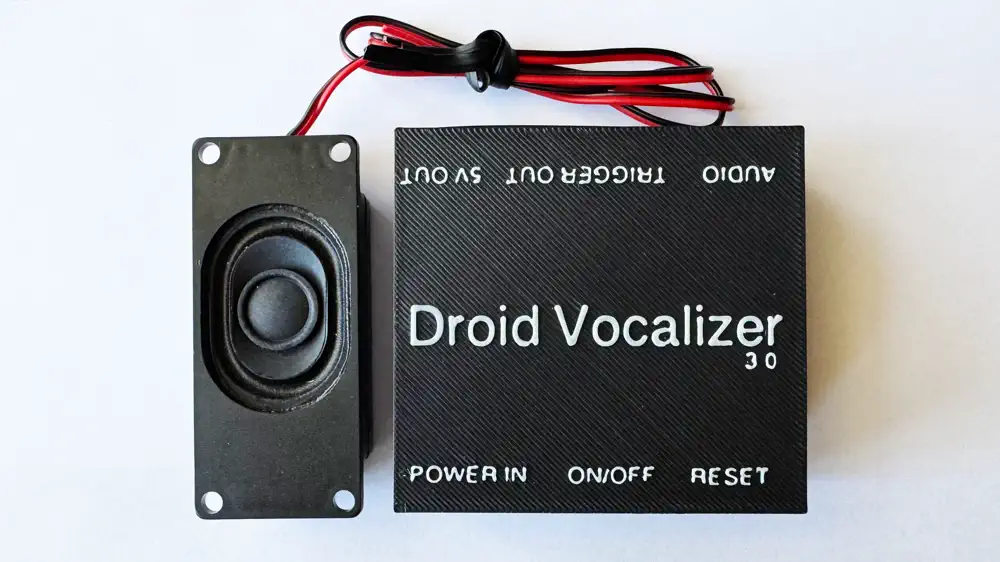
Droid Vocalizer v3 - Installation Guide
Step-by-step instructions for installing and configuring the Droid Vocalizer v3 sound module in your droid build.
Related Product
Droid Vocalizer v3Prerequisites
- ✓Droid Vocalizer v3 board
- ✓3W speaker (included with purchase)
- ✓USB-C cable for initial setup
- ✓Basic soldering skills
Instructions
Step 1: Prepare the Speaker Leads
Strip approximately 5mm of insulation from each speaker wire. Tin the exposed copper with solder for easier connection to the board pads.
Step 2: Solder Speaker Connections
Connect the speaker leads to the SP+ and SP- pads on the Vocalizer v3 board. Polarity matters — match the red wire to SP+ and black to SP-.
Step 3: Mount the Board
Secure the Vocalizer v3 board inside your droid using the included mounting hardware or double-sided foam tape. Ensure adequate ventilation around the board.
PDF Downloads
Related Product
This guide covers installation for the following product:
Droid Vocalizer v3→